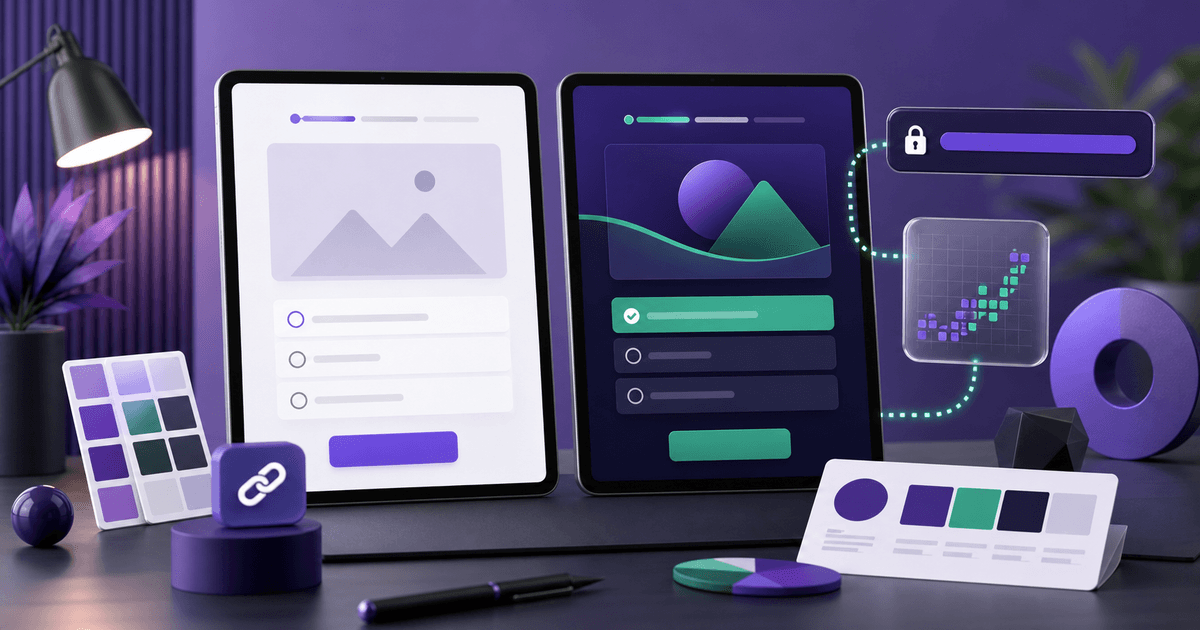
A quiz should not feel disconnected from the campaign. It needs to continue the experience that started in the ad, post, email, or landing page.
When visual identity, message, and tracking are aligned, visitors trust the flow more, complete it with less friction, and you can measure what actually happened.
Define the promise before the visuals
Before choosing colors or uploading a logo, write the quiz promise in one sentence. That promise should appear on the first screen and guide the rest of the flow.
Examples:
- "Find the best path to capture qualified leads"
- "Get a quick diagnosis of your funnel"
- "See which offer fits your current stage"
Visual identity reinforces the promise, but it does not replace clarity.
Use logo, colors, and fonts consistently
Quizzerfy lets you publish quizzes with your own brand. That matters because visitors usually come from a channel where they have already seen your identity: Instagram, a website, an ad, or a landing page.
Keep consistency in:
- Logo placement
- Main button color
- Accent color for progress and states
- Font choice close to your brand
- Tone of voice
The goal is not decoration. It is reducing the feeling that the visitor has been sent to a different environment.
Choose a simple public link
The quiz link should be easy to share in bio, ads, WhatsApp, email, and QR codes. Avoid unnecessary parameters in the visible link. Use campaign parameters only when you need source measurement.
Before promoting it, open the link in an incognito window and test it on mobile. Check loading, images, buttons, and the final screen.
Prepare the result screen
The final screen is where attention is highest. The visitor just answered the quiz and expects a recommendation.
Include:
- A specific result title
- A short diagnosis summary
- A practical recommendation
- A next-step button
Avoid ending with a vague line. If the goal is a sales conversation, the CTA should point to booking or chat. If the goal is purchase, point to the offer. If the goal is nurture, point to the right content.
Configure tracking before traffic
If the quiz will be used in campaigns, configure Meta Pixel before promoting it. That way you measure events from day one and avoid losing learning data.
Useful events include:
- Quiz view
- Quiz start
- Lead capture
- Completion
- Final CTA click
These signals help compare ads, audiences, and creatives by interaction quality, not only by click cost.
Launch checklist
Before sending traffic, review:
- The first-screen headline is clear
- Visual identity matches the brand
- The quiz works well on mobile
- The form asks only for what is necessary
- The result delivers real value
- The final CTA points to the right destination
- Pixel and events were tested
This checklist reduces rework and protects your media budget.
The key idea
Publishing a professional quiz requires more than writing questions. You need brand, link, result, CTA, and tracking working together.
With Quizzerfy, that workflow stays in one place: create, customize, publish, and track results. To build your next quiz, create your Quizzerfy account.